
A personal knowledge base can be easy to search when it contains 50 notes. At 5,000, the experience changes.
Folders become too broad. Tags multiply. Old notes use different terminology from newer ones. A search for one idea may return dozens of loosely related documents while hiding the exact passage that matters.
The problem is not necessarily storage. It is retrieval.
A useful knowledge system needs more than a search box. It needs a sensible combination of keyword matching, semantic retrieval, metadata, links, and search habits that reflect how people actually remember information. The goal is simple: when an old idea becomes relevant again, finding it should require as little reconstruction as possible.
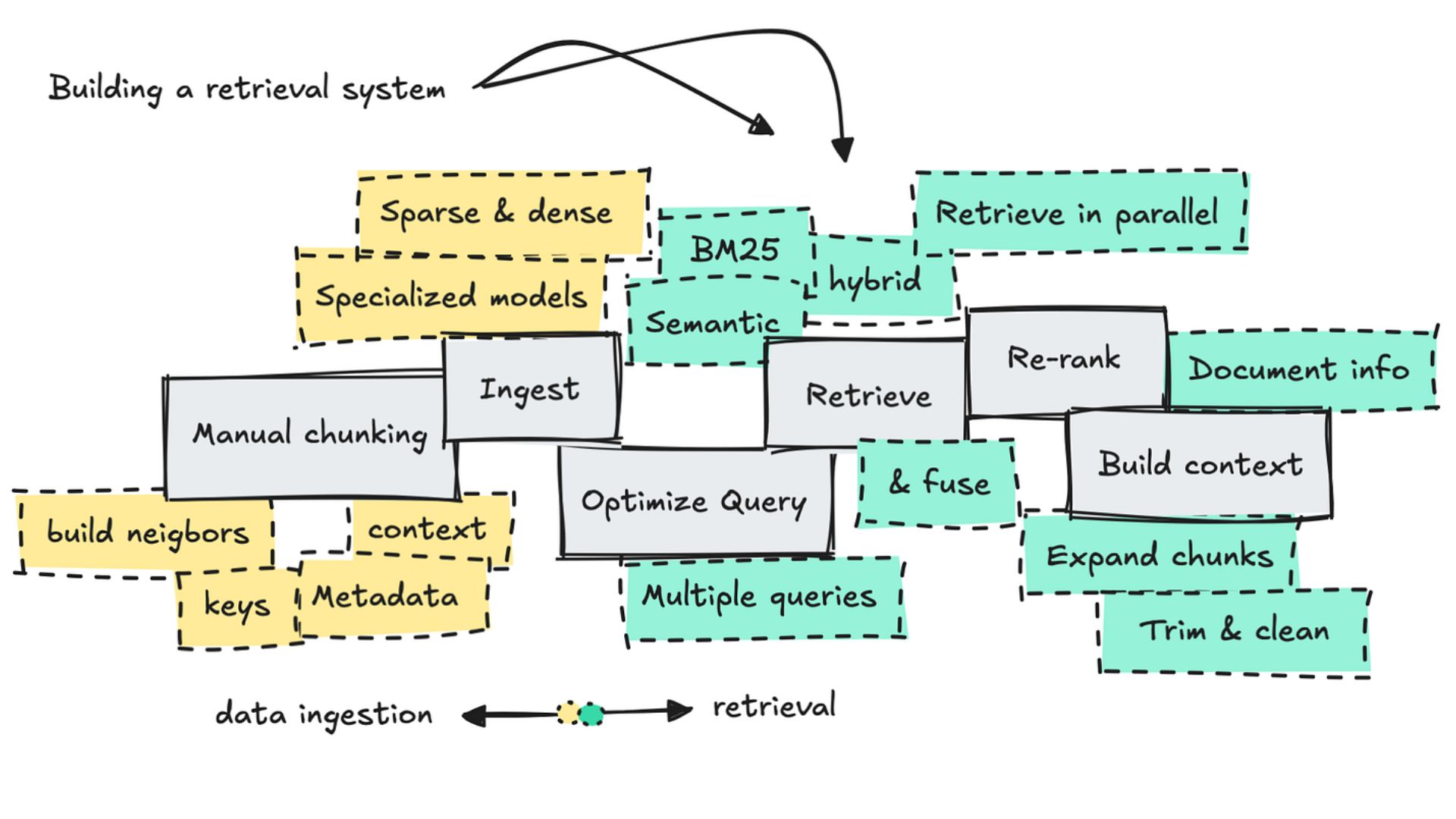
Most digital knowledge systems rely on two broad approaches to retrieval: lexical search and semantic search.
They overlap, but they are not interchangeable.
Lexical search retrieves documents primarily by matching terms in the query with terms in the indexed text. Ranking methods such as BM25 can then score those matches using factors including term frequency and document length.
This approach works particularly well when the search contains something distinctive: a person's name, product name, acronym, quotation, technical term, or exact phrase.
Suppose a note contains the phrase cash flow optimization. Searching for that phrase gives a lexical system a strong signal that the note is relevant.
The weakness appears when vocabulary changes.
A note about liquidity management may discuss essentially the same financial concern without ever using the phrase cash flow optimization. A strictly term-based search may rank that note poorly or fail to surface it, even though a human reader would recognize the connection immediately.
That is the vocabulary mismatch problem.
Semantic search takes a different route. Text can be converted into numerical representations called embeddings, allowing a retrieval system to compare the similarity between a query and stored passages based on their learned representations.
This makes it possible to retrieve conceptually related material even when the exact query terms do not appear in the source.
For example, a query such as how can a startup improve its finances? might surface notes about burn rate, cash-flow management, runway, or revenue growth, depending on the model and the material being searched.
But semantic search is not magic.
Results depend on the embedding model, how documents are divided into searchable chunks, how the query is formulated, and how similarity is measured. A semantically similar result is not automatically a relevant result.
That distinction matters when a knowledge base becomes large enough that retrieval quality starts affecting actual work.
For personal knowledge systems, the choice does not always have to be keyword or semantic search.
A hybrid approach can combine both.
Imagine searching for Project Atlas pricing. The word Atlas may be highly specific, making lexical matching valuable. At the same time, the surrounding concept of pricing could benefit from semantic retrieval.
A hybrid system can use lexical signals for precise terms and semantic signals for broader conceptual similarity. Some systems also add a reranking stage afterward to reconsider the strongest candidates and produce a more useful final order.
This matters because personal knowledge bases contain both kinds of information.
Some searches are precise:
What did I write about the Atlas launch in April?
Others are conceptual:
What have I learned about reducing friction during onboarding?
Trying to handle both questions with exactly the same retrieval strategy is often inefficient.

Search results become much easier to manage when the system knows something about each note besides its text.
Useful metadata can include:
Date: When the note was created, updated, or associated with an event.
Status: Whether the material is a raw capture, working note, reference, or more developed evergreen note.
Project: Which active or completed project the note relates to.
Topic: A broad subject area such as product design, marketing, research, or finance.
Source type: Whether the information came from a book, meeting, article, interview, experiment, or personal observation.
Metadata works best when it stays simple enough to maintain.
Consider a search for pricing. Without filters, the system might return everything from an old meeting transcript to a current product brief and a collection of unrelated articles.
Adding a few constraints can change the result dramatically:
pricing + project = SaaS + status = evergreen
The search is no longer asking only, “Where does this word appear?”
It is asking, “Where does this concept appear in the part of my knowledge base that is most likely to matter?”
That is a much more useful question.
People do not always remember information by its exact wording.
A year after writing a note, the title may be forgotten completely. What remains might be the situation surrounding it: the project, the problem, the book being read, or the decision that prompted the research.
That is why a good retrieval system should offer more than one route back to the same idea.
Sometimes the problem is not “I cannot find the document.”
It is “I am not sure what I am looking for yet.”
Linked notes can help in those situations. Starting from one familiar concept and following related ideas can reveal useful material without requiring a perfectly formed query.
This is where a connected knowledge base can feel different from a folder structure. The user can move from one idea to another instead of repeatedly guessing which filename might contain the answer.
If the same retrieval task happens every week, it should not have to be rebuilt from scratch.
A saved view such as:
project = Atlas AND status = active
can become a standing workspace.
Another might show recently updated research notes, unfinished captures, or all notes connected to a particular project.
Saved searches are particularly useful because they turn recurring questions into part of the information architecture.
People mistype things. They abbreviate names. They remember only part of a phrase.
A search system that tolerates minor spelling differences and partial matches can prevent small memory errors from becoming retrieval failures.
This is a modest feature, but it becomes increasingly useful as a knowledge base grows.
A personal knowledge base changes as its owner changes.
A marketing team may use customer acquisition one year and user growth the next. A developer may initially write about machine learning pipelines and later start using ML infrastructure. Older notes do not automatically update their vocabulary.
That creates search fragmentation.
There are several ways to reduce it. A lightweight tagging vocabulary can help. Search aliases can help. Semantic retrieval can help connect related terminology. Periodic cleanup can also consolidate obvious duplicates.
The key is not to force every historical note into one perfectly controlled vocabulary.
Language changes. The retrieval system should be able to tolerate that.
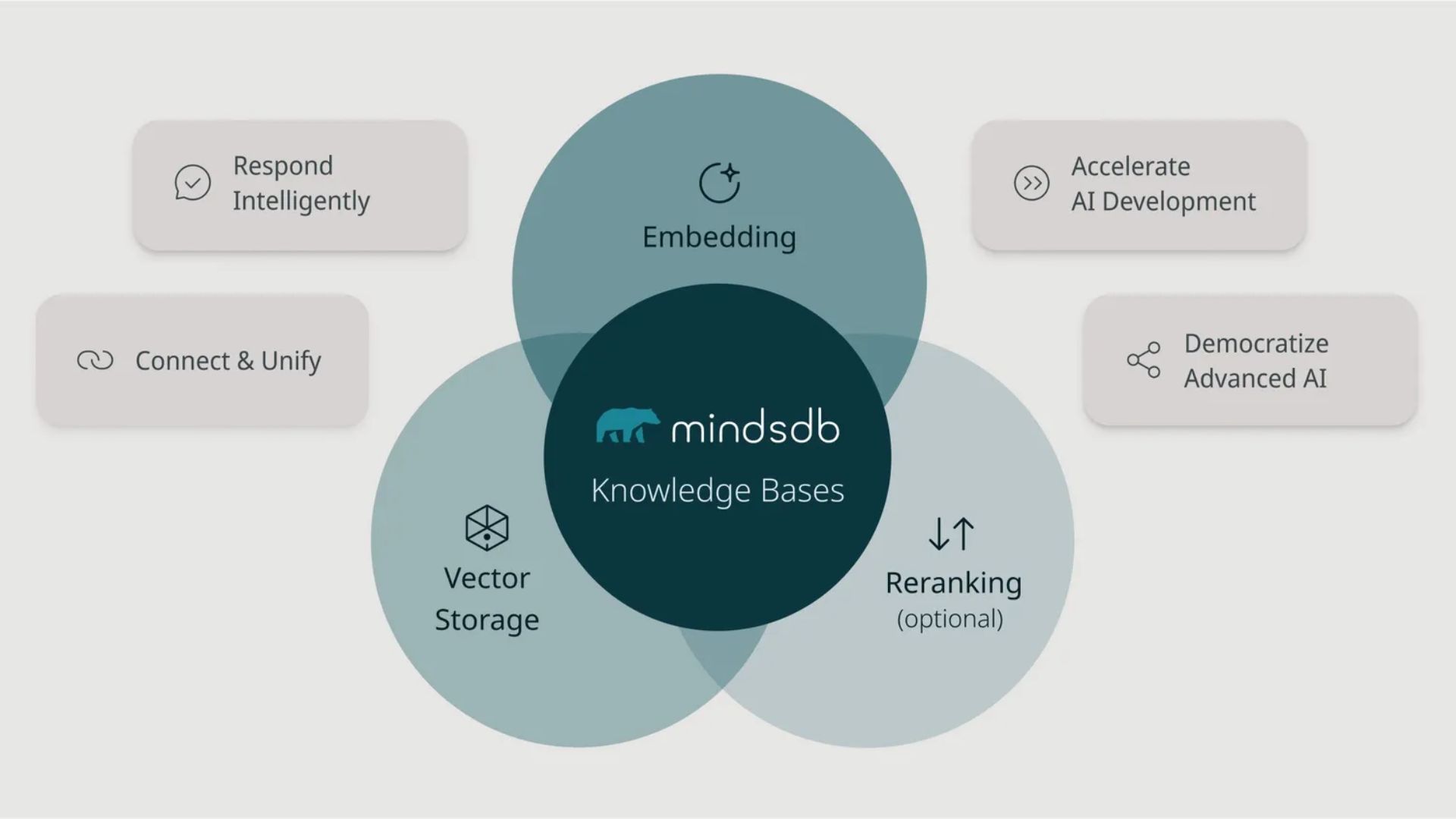
More indexed information does not automatically mean better retrieval.
Imagine a knowledge base containing:
polished evergreen notes,
unfinished research,
meeting transcripts,
bookmarked articles,
automated newsletters,
receipts,
temporary reminders,
copied reference material.
If all of those sources receive equal weight in search results, the highest-value information can disappear under the volume.
One practical solution is to distinguish between reference storage and active knowledge.
Raw material can remain searchable when necessary, while more developed notes receive stronger visibility through metadata, separate search scopes, or ranking rules.
The objective is not to delete old information.
It is to prevent low-signal material from dominating every search.
A technically sophisticated search engine can still produce a frustrating experience.
Suppose the correct note appears as result number 47. Technically, the system found it. Practically, the retrieval failed.
This is why it helps to think about retrieval in terms of several outcomes:
Did the relevant note appear at all?
Did it appear near the top?
Could the user recognize it quickly?
Did the result provide enough context to confirm relevance?
Could the user move from that result to related information?
A good retrieval system reduces the amount of work required after the search itself.
That last point is easy to overlook. Finding a document is only half the task. The real goal is recovering the useful idea inside it.
Poor retrieval is not always a search-engine problem.
Sometimes the notes themselves are poorly structured.
A 5,000-word document containing ten unrelated concepts is difficult to retrieve precisely because the information has been bundled together. A clear note with a focused title and a specific claim gives the search system much better material to work with.
This creates an important connection between writing and retrieval.
Better notes often produce better search results.
A focused title such as Onboarding friction delays the first meaningful product outcome provides more retrieval signals than a generic title such as Product Notes.
Likewise, a concise note about one concept is easier to rank, summarize, link, and recognize than a large document containing several unrelated ideas.
Search quality begins partly at the moment information is written.
A sustainable personal retrieval system does not need to be complicated.
A useful workflow can look like this:
Capture → Organize Lightly → Index → Search → Refine → Connect
Capture information without creating unnecessary friction. Add only the metadata that will genuinely help later. Make important notes easy to distinguish from raw material.
When information is needed, begin with the simplest search that might work.
If an exact phrase is known, try lexical search.
If the concept is clear but the wording is uncertain, try semantic search.
If the result set is too broad, add metadata filters.
If the question itself is still vague, follow links and browse related notes.
If the same search keeps appearing, save it as a reusable view.
This layered approach is often more practical than trying to build one perfect query system from the beginning.
The biggest risk in personal knowledge management is often not poor technology. It is maintenance overhead.
A system that requires every note to have ten tags, five metadata fields, a carefully chosen folder, and several manually maintained aliases may look sophisticated but become exhausting very quickly.
The better question is always: Does this piece of structure improve retrieval enough to justify maintaining it?
If a metadata field is never used in searches, it may not need to exist. If a tag has dozens of near-duplicates, it may need simplification. If semantic search consistently produces poor results for a certain type of note, the problem may lie in document structure or chunking rather than in the query itself.
A retrieval system should evolve alongside the information it stores.
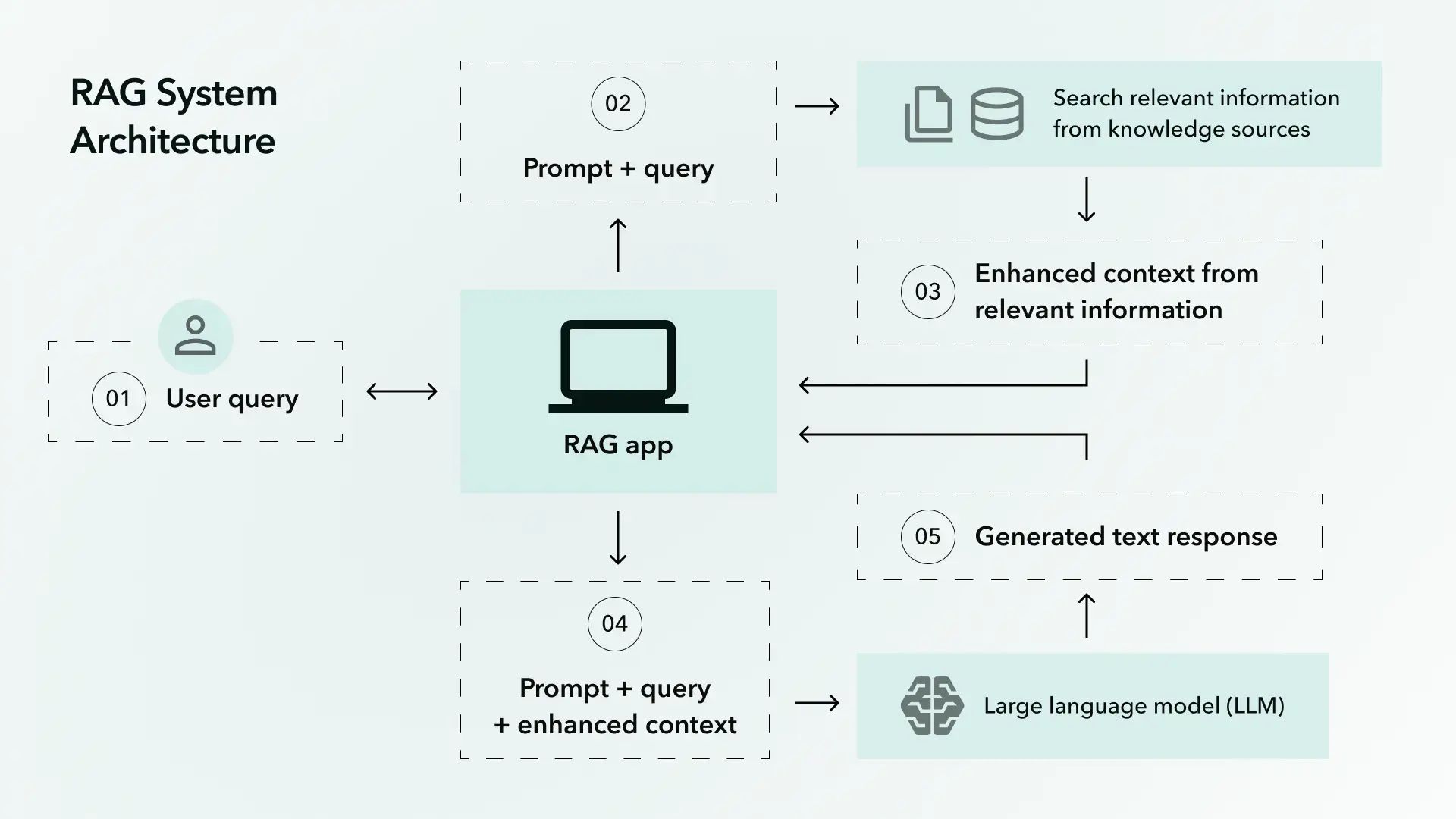
A large personal archive is not automatically useful. Thousands of notes can create the illusion of knowledge while making important ideas harder to recover.
Good retrieval is what closes that gap.
Keyword search provides precision when the wording is known. Semantic search helps when the concept matters more than the exact phrase. Metadata narrows the field. Links support exploration when the question is still taking shape. Focused notes give the retrieval system cleaner material to work with.
None of these techniques has to carry the entire workload.
Together, they create a more forgiving system—one that does not require perfect memory, perfect terminology, or perfectly organized files.
The real measure of a knowledge base is not how much information it contains. It is how easily useful information can return when it is needed.