
A training format can make a good lesson work—or make the same lesson unnecessarily difficult.
A detailed written explanation may be exactly what a learner needs when the goal is to understand a policy or compare two concepts. The same approach becomes frustrating when someone is trying to learn a physical procedure. A video can make that procedure much easier to follow, but it may not be enough when learners need to practice judgment under pressure. In those situations, a workshop or simulation may make more sense.
The point is not to find one “best” delivery format. There isn't one. The better question is: What does the learner need to do with the information?
Instructional designers can make stronger decisions by matching the delivery method to the learning task, the amount of practice required, the type of feedback learners need, and the practical limits of the course.
It is tempting to choose a format early. A course team may already have a video platform, a learning management system, or a library of training materials, so the available technology starts shaping the lesson.
That reverses the decision.
A better starting point is the learning objective. Does the learner need to understand an idea, observe a process, discuss a problem, perform a procedure, or make decisions in a realistic situation? Those are different tasks, and they place different demands on the learner.
Research on multimedia learning describes separate processing channels for verbal and visual information, while cognitive load theory helps explain why unnecessary information and poorly designed interfaces can consume mental resources. The practical lesson is straightforward: the delivery format should make the learning task easier, not compete with it.
Four questions are particularly useful when selecting a format:
How complex is the material or skill?
Does the learner need to see a process rather than read about it?
How much practice and feedback are required?
Does the learner need to work independently or with other people?
The answers usually point toward one format—or a combination of several.
Text is easy to underestimate because it is familiar. Yet it remains one of the most useful instructional formats, particularly when learners need to examine information carefully rather than simply observe it.
Written material works well for conceptual explanations, historical context, policies, definitions, technical references, and other information that benefits from close reading. Learners can move through the material at their own pace, return to a difficult passage, compare sections, and make notes without waiting for a presenter to finish.
That control matters. A learner reviewing a complicated policy might read one paragraph several times before moving on. Someone already familiar with the subject can skim the same section much faster.
Text also works particularly well as a reference after formal instruction. A procedure guide, glossary, checklist, or troubleshooting document can remain useful long after a workshop or video session has ended.
The limitation becomes obvious when the subject depends heavily on movement, timing, spatial relationships, or physical technique. Explaining the correct sequence for assembling equipment entirely through written descriptions can force the learner to mentally reconstruct something that would be much clearer with a visual demonstration.
A useful rule: choose text when learners primarily need to understand, compare, analyze, or refer back to information.
Video earns its place when movement or visual context carries part of the meaning.
Consider software training. A written guide can describe where a setting is located, but a short screen recording can show the complete sequence: which menu opens, where the cursor moves, which option is selected, and what changes on the screen.
The same principle applies to physical procedures. A demonstration can show hand position, timing, equipment placement, and the order of actions in a way that is difficult to reproduce with paragraphs alone.
Video is especially useful for procedural learning, software walkthroughs, demonstrations, interviews, and examples of communication techniques.
But video has an obvious weakness: watching is not the same as doing.
A conventional linear video is largely observational unless the design asks learners to pause, predict an outcome, answer questions, or apply what they have seen. Someone can watch a ten-minute demonstration from beginning to end and still struggle when asked to perform the task independently.
Good instructional video therefore tends to be focused. It avoids unnecessary production flourishes, keeps attention on the relevant action, and gives learners opportunities to stop and apply what they have learned.
A useful rule: choose video when learners primarily need to see how something works or how a process is performed.
Some learning objectives depend on interaction.
Negotiation, leadership, conflict resolution, teamwork, communication, cultural awareness, and collaborative problem-solving are difficult to teach entirely through one-way content. Learners need opportunities to respond to other people, test different approaches, receive feedback, and reconsider their assumptions.
That is where live workshops become valuable.
A skilled facilitator can notice confusion and change the explanation. A discussion can move in an unexpected but productive direction. During a role-play exercise, learners can experiment with different responses and immediately hear how those responses affect the conversation.
The social element matters too. Working through a difficult case with colleagues can expose learners to perspectives they would not encounter while studying alone.
The trade-off is practical. Workshops require scheduling, facilitation, suitable group sizes, and coordination. Those demands become more complicated when participants are spread across locations or time zones.
For that reason, live instruction is usually most valuable when interaction itself is part of the learning objective—not simply because having a live instructor feels more engaging.
A useful rule: choose a workshop when learners need to practice interpersonal skills, collaborate, debate, role-play, or receive immediate human feedback.
Some skills cannot be learned effectively by reading or watching alone. Learners need to make decisions and experience what happens next.
Interactive simulations create that opportunity in a controlled environment.
A simulation might place a learner in a troubleshooting scenario, ask them to respond to a developing operational problem, or require them to evaluate several possible decisions. Each choice can lead to a different outcome, giving learners a chance to connect actions with consequences.
This makes simulations particularly useful for situations where real-world practice is expensive, difficult, dangerous, or simply impractical. Examples include equipment operations, emergency response training, financial modeling, complex troubleshooting, and other high-stakes decision environments.
The important feature is not flashy technology. It is the quality of the decision-making experience.
A simulation with impressive graphics but weak scenarios may teach very little. Conversely, a relatively simple scenario can be highly effective if the learner must interpret information, make a meaningful choice, and receive useful feedback afterward.
There is also a significant development cost. High-fidelity simulations can require specialized software, subject-matter expertise, testing, maintenance, and ongoing technical support. Poorly designed interfaces can create another problem by forcing learners to spend their mental effort figuring out the software rather than solving the learning problem.
A useful rule: choose simulation when learners need to make decisions, practice responses, test strategies, and learn from realistic consequences.
One of the easiest mistakes in instructional design is assuming that adding more media automatically improves the experience.
It doesn't.
A course with narration, animation, video, quizzes, interactive graphics, and background music may look impressive while giving learners very little additional help. Every element should have a reason for being there.
If an animation clarifies a mechanical process, it may be useful. If background music adds nothing to the task, it may simply compete for attention. If a video demonstrates a procedure that learners later have to perform, it has a clear instructional role. If the same video repeats information already explained more effectively in text, its value becomes harder to justify.
This is where cognitive load becomes a practical design consideration. The goal is not to eliminate mental effort. Learning requires mental effort. The goal is to avoid spending that effort on unnecessary navigation, decoration, repetition, or confusing presentation.

Real courses rarely need to choose one format and exclude the others.
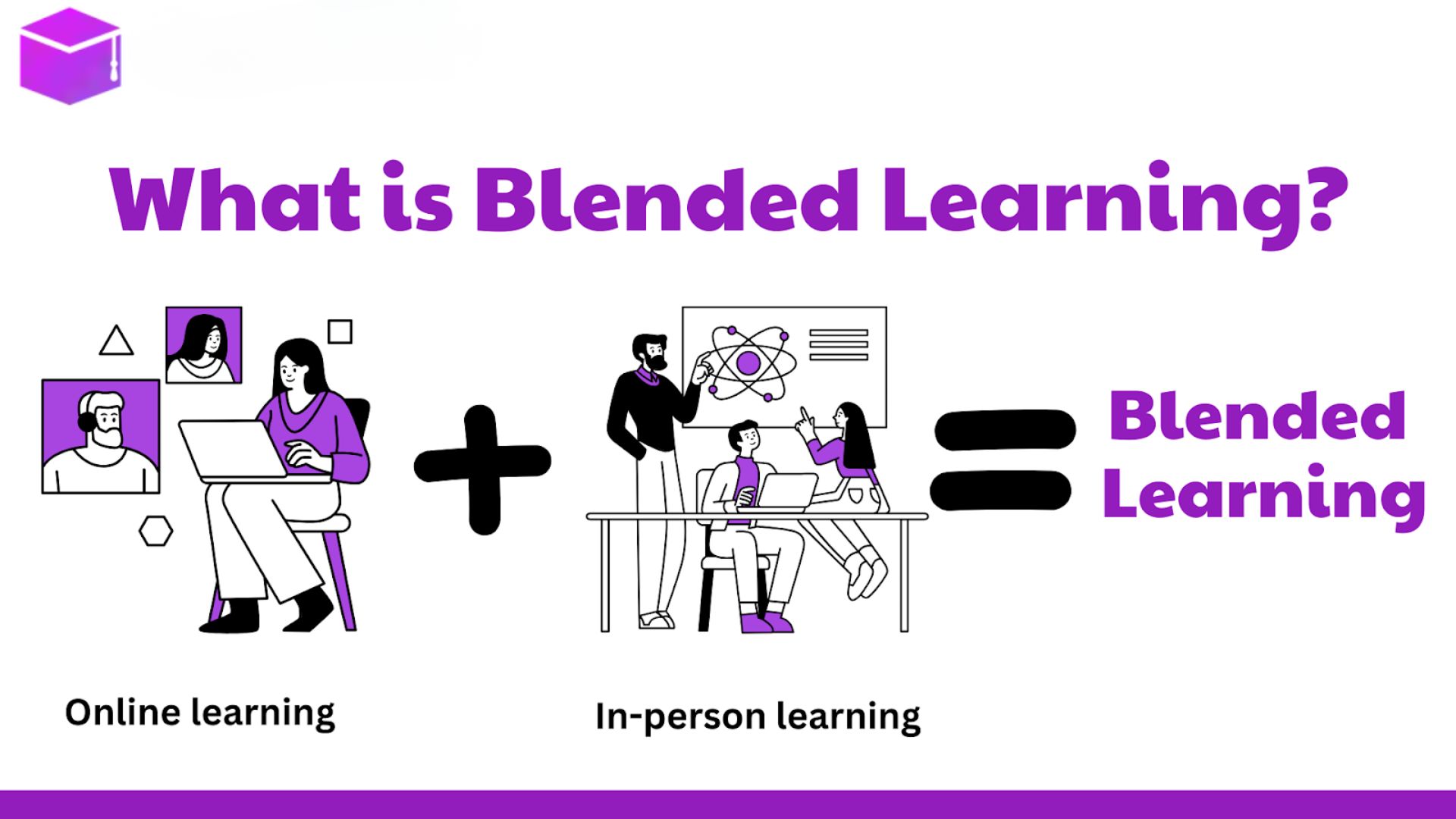
A strong learning experience might begin with a short written explanation, use video to demonstrate the process, provide a simulation for individual practice, and finish with a live discussion.
For example, imagine training employees to troubleshoot a piece of technical equipment.
A written module could introduce the terminology and explain the system. A video could demonstrate a normal operating sequence. An interactive scenario could then present several faults and ask learners to diagnose them. Finally, a workshop could allow participants to discuss difficult cases with an instructor and their peers.
Each format does a different job.
That is more useful than asking whether the course should be “a video course” or “an online course.” The real design question is which part of the learning experience each medium handles best.
When the right format is unclear, start with the learner's required action.
If learners need to understand:
Use text, diagrams, or concise explanatory media.
If learners need to observe:
Use video, demonstrations, or annotated visual examples.
If learners need to discuss or collaborate:
Use workshops, facilitated sessions, or structured group activities.
If learners need to practice decisions:
Use simulations, scenarios, branching exercises, or other forms of active practice.
If learners need all four:
Combine formats instead of forcing the entire course into one medium.
This framework also helps prevent an expensive mistake: using advanced technology simply because it is available.
Not every learning objective deserves the same production budget.
Suppose the goal is to introduce employees to a company's history. A concise article, timeline, or simple visual resource may be enough. Building an elaborate simulation for that objective would add complexity without necessarily improving the learning experience.
Now consider training for a high-risk piece of equipment. In that situation, giving learners opportunities to make decisions in a controlled environment may justify considerably more development effort.
The right question is not, “Which format is the most advanced?”
It is, “Which format gives learners the practice and support they actually need?”
That distinction keeps instructional design grounded in learning outcomes rather than production value.

Delivery format should never become the learning objective itself.
Text is valuable when learners need to read, analyze, and reference information. Video is powerful when learners need to see a process. Workshops add value when interaction and feedback matter. Simulations become useful when learners need to make decisions and experience realistic consequences.
Most effective courses use some combination of these approaches.
The goal is not to make learning look sophisticated. It is to remove unnecessary barriers between the learner and the skill or knowledge they are trying to develop.
When the medium fits the task, the technology becomes almost invisible. The learner can focus on what actually matters: understanding the idea, practicing the skill, making the decision, and eventually doing the work with greater confidence.